

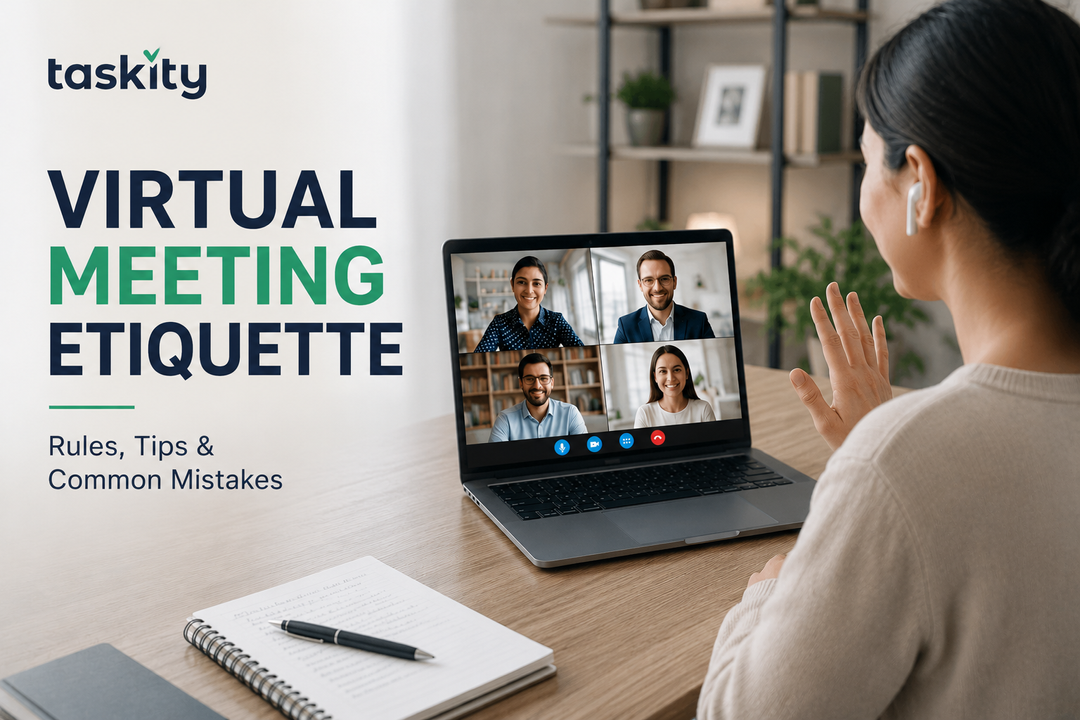
One person shows up four minutes late, no video on, audio echoing as though they are calling from a stairwell. The other person shows up one minute early, with video on, seated in a room that feels put together without seeming to try. Neither of them has spoken yet, and you have already made your judgments about both.
This is the unspoken part of virtual meeting etiquette. It is not really a list of dos and don'ts. It is a series of little cues that communicate how competent and prepared you appear, even before you say your first thing. This article takes a look at what is really important in video meetings, what is not, and the seemingly minor faux pas that stick in peoples’ minds.
Virtual Meeting Etiquette: What Actually Makes You Look Professional on Camera
Virtual meeting etiquette can be seen as simply a set of rules to abide by, things like being muted when one is not speaking and refraining from eating during the meeting. This is partly true since it captures some aspect of what virtual meeting etiquette entails. However, there is more to the subject than just that as one’s video etiquette extends beyond just this list.
Why Virtual Meeting Etiquette Is Different From In-Person Etiquette
Etiquette tends to operate quite automatically in a physical space. One leans in when interested in what someone is saying. One adjusts when they disagree. Body language becomes sufficient to 'read the room' even without any spoken words being exchanged.
In a video space, this changes dramatically. In essence, a tiny square of your face which may be frozen mid-blink due to poor connection is expected to convey the meaning of the cues that used to be conveyed via posture, positioning, and voice in a physical setting.
Silence in a virtual meeting does not convey the meaning of attentiveness; it generally means something else distraction, because there are no visual cues that would indicate otherwise. This is why etiquette in virtual meetings became a distinct field in itself: the signals need to be sent more actively now, because the room does not send them automatically.
This explains why the same advice that was helpful during in-person meetings does not necessarily work in a video setting. "Just read the room" presupposes the existence of the room in the first place; and in a virtual meeting, the room is essentially a set of small screens with only half of them showing faces and the other half being switched off.
Before the Meeting Starts
Nobody expects a professional studio setup. A couple of things are enough to get through the vast majority of cases:
- A light source in front of you, not behind you, a window behind you makes you a silhouette
- A non-distracting background, or blur/virtual background when you cannot control your surroundings
- Camera position at your eye level, not aimed up your nose from your lap-top
- Your arrangement set up before the call, not found out about in the middle of the meeting
As important as the right setup is timing. In virtual meetings, "being on time" gradually came to mean being a little bit early.
Arriving exactly at the appointed time usually means that you have to fumble with camera settings, waiting for audio connection and apologizing for your first minute on camera instead of being fully present.
When you are running late, the proper etiquette does not include a lengthy explanation once you arrive, but giving prior notice, then silently joining the meeting instead.
Camera and Mic Etiquette During the Call
When to Keep Your Camera On
The camera on culture depends on which organization you belong to, so there are no fixed etiquettes in this regard.
What works in almost all the workplaces is having your camera on during small meetings wherein your involvement is expected, while camera off works for larger all-hands meetings or for those meetings where there is an actual need, such as poor connectivity or multiple back-to-back calls that have caused screen fatigue.
What does not work in such situations is having your camera off without any reason in small meetings where your contribution is required.
Muting Without Disappearing
It is simple courtesy to stay on mute until you have something to say, which silences your background noise. However, staying on mute doesn't mean that you have to hide from the group.
If you remain muted throughout the entire call without contributing or reacting to any discussion, people will begin to think whether or not you are really listening. You should give yourself some signal that you are still there, such as nodding or sending a message to the chat.
There is another common mistake that occurs because of staying permanently unmuted in calls. People become used to being unmuted and forget to do anything when their dog barks or someone delivers something to their house. A simple solution to this problem is the following: mute by default and unmute before you speak.
How to Speak Up Without Talking Over Someone
It is something unique to video conversations; it rarely happens in real life. If you are in a room, you can sense when someone is about to say something and know the exact moment to butt in.
In a video conversation, there is a slight delay, often too little to matter, but enough to have two participants start speaking simultaneously, stop, then try again.
Fixing this problem is easy:
- Wait a tad longer than seems right before starting to say something so that you catch up with the delay in the video transmission
- If two participants started to speak at once, say quickly, "Go ahead," rather than wait until one of them insists that the other keep speaking
- In a meeting where someone serves as a facilitator, use a hand-raising button or simply ask to be allowed to speak instead of trying to butt in when there is a silent moment
- Put in a note in the chat to mention something you want to say, since you do not need to compete with others in capturing a brief silence moment
- Chat is actually helpful in this situation because all it takes is sending in a message, while the facilitator will then call on you when there is a proper opportunity.
Multitasking, and Why It's More Obvious Than You Think
Everybody does some form of multitasking during a meeting. However, one thing that is different about a video conference is that there will be visual evidence of someone not paying attention.
People will catch a glimpse of the eyes of someone moving towards another screen or hear the sound of typing on a keyboard.
When Being Half-Present Becomes Noticeable
This is not an attempt to stay perfectly focused for each and every minute during every single meeting you have. This is not possible. Rather, it is about making sure that if you do appear distracted frequently, it is visible to everyone.
If the meeting really does not need your presence there with your full attention, then you should perhaps consider attending the meeting in the first place.
Pay Attention to Delayed Responses
The other sign of multitasking is less obvious; it is the brief pause that comes after you have been addressed by your name or asked a straightforward question. This occurs to all individuals at times, but once is not an issue.
When it keeps on happening, however, people start to pay attention to it. This could actually impact the perception that others have of your involvement in meetings even before they evaluate your contribution.
Virtual Meeting Etiquette for Hybrid Teams
A hybrid meeting involves something different compared to both in-person meetings and virtual meetings where everyone is either in the same physical location or online. The idea is for all those participating, whether physically or virtually, to feel like part of a single conversation taking place.
Make Remote Participants Part of the Room
One of the most frequent challenges that occurs is the in-the-room group inadvertently excluding remote participants from the conversation.
It may occur that side remarks will not reach the microphone; discussions take place by the whiteboard out of the picture; and even decisions are taken before the meeting starts with the participants sitting and watching an empty screen.
It is important to adhere to good hybrid meeting etiquette when viewing your camera as a seat at the table on par with others.
Keep the Conversation Accessible to Everyone
It is good practice to repeat key points made in a hushed voice during the conference and ensure that any visual aids being presented are seen on the screen. It is also beneficial to take note of remote participants by their names rather than expecting them to join the discussion on their own accord.
Another way to avoid missing out on remote participants is to have someone monitoring the chat.
Stay Aware of the Whole Meeting
Hybrid meetings don’t always require a formal process either. Most of the difference can be achieved through simple reminders of the fact that this meeting is for all of you.
Even small changes like addressing the microphone, repeating something out of the microphone, and giving a pause for people joining online can help achieve a much more equal conversation and participation.
Common Virtual Meeting Mistakes That Quietly Hurt Your Reputation
Some things that may not seem like a big deal at the time, but can actually leave a lasting impression:
- Having a full conversation while having a meal and visibly chewing; coffee is acceptable, but a meal generally isn't
- Keeping your camera turned on while obviously doing other things off-screen
- Checking your phone often instead of just a few times
- Using a microphone that picks up a lot of background noise; a simple headset would fix this problem
- Ending a call abruptly without wrapping things up quickly and efficiently
Conclusion
The point of virtual meeting etiquette is not the rigid adherence to a list of rules. It is the understanding that virtual space removes most of the cues that are automatically provided by a physical setting, and your decision to provide those cues consciously.
Punctuality, careful use of a camera instead of habitual avoidance of it, and an understanding of how distracting the smallest cues can be this is the bulk of what distinguishes a person who seems smart and present from one who seems absent-minded, even if neither of them intended to come off that way.
All this doesn't mean that every call needs to have perfect etiquette. It is simply the recognition of several habits that subtly influence how you are perceived, and change the ones that don't serve you.
The overwhelming majority of people won't need a total transformation but simply some additional care about the small details that used to be provided automatically in the physical space, way before virtual meetings became routine.
FAQs
What is proper virtual meeting etiquette?
Etiquette in virtual meeting involves joining the meeting either on time or even slightly early, use of good audio quality, turning on the camera if it is an interactive meeting, muting yourself when you are not talking, and being involved in the meeting.
Should your camera be on during virtual meetings?
It all depends on the meeting. In smaller meetings where there's some interaction, camera on is typically expected. But in larger informational meetings or when there are certain reasons, camera off is typically acceptable, particularly with an explanation for it.
Is it rude to eat during a virtual meeting?
Snacks or drinks are okay. Meals that involve eating and chewing during a lively conversation will appear disconnected even without intending to, thus should be done when participating in a call is not necessary.
How do you avoid talking over people on a video call?
Allow yourself to pause a little bit longer than what feels natural when speaking because there is always video latency and two people may tend to speak at the same time. It will be easier if one of you just says "go ahead."
What's the etiquette for joining a meeting late?
Give a heads up before hand if you can, and just enter without making a long apology when you do arrive. A small acknowledgement will suffice; explaining your tardiness after derailing the entire meeting tends to be disruptive in its own right.