

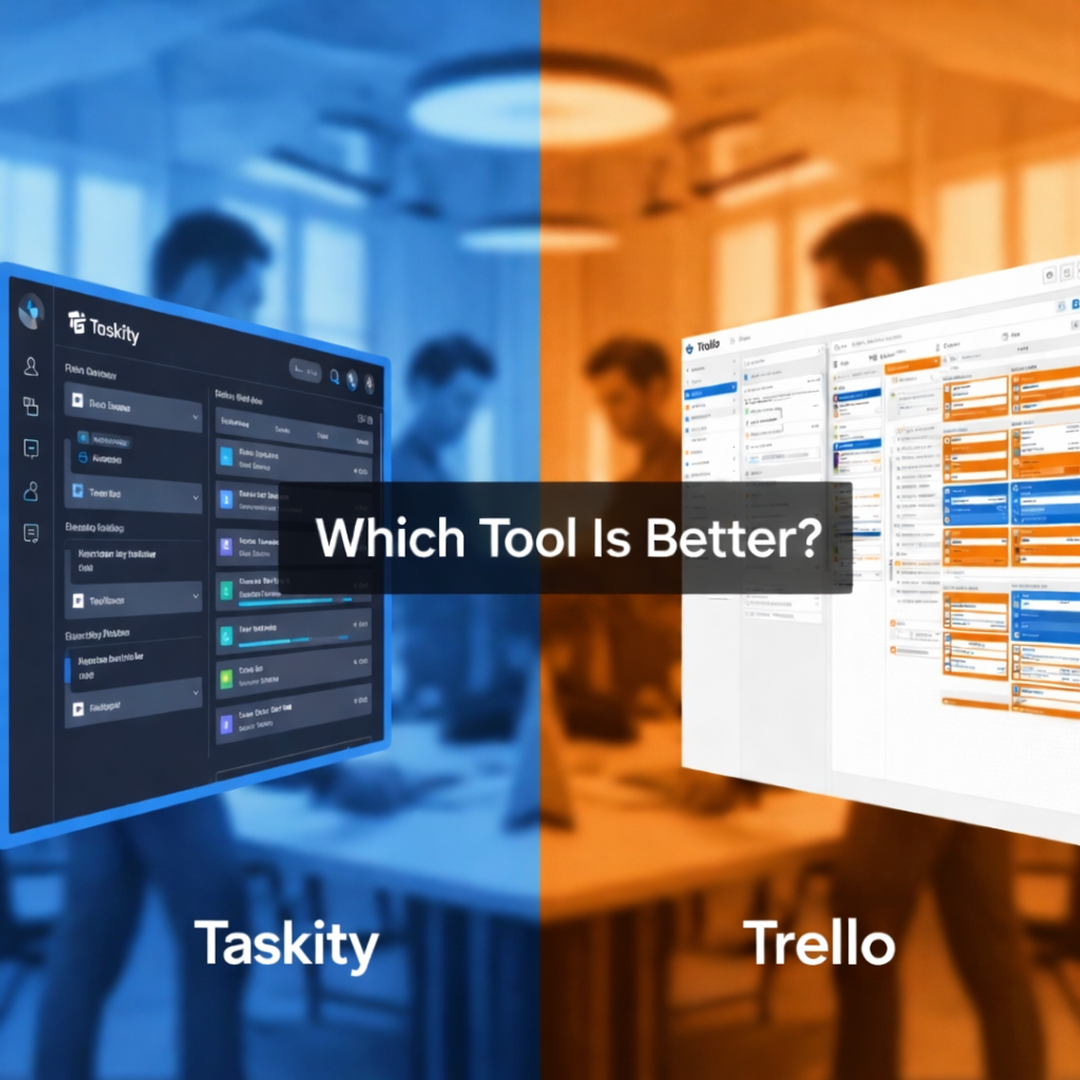
The right task management tool can make or break your team's productivity. In 2026, teams aren't looking just for a place to "store tasks." What they are really searching for is clarity, speed, flexibility, and tools that will actually help them get work done, not slow them down.
Two names that come up in this conversation are Trello and Taskity.
Trello has been around for many years as an established product with straightforward Kanban-style boards. Taskity is a new, modern platform that is designed to support larger, developing teams with better workflows and AI-driven functionality.
So which one is better in 2026?
Let's break it down in a clear, honest, and practical way.
A Quick Overview of Trello and Taskity
What is Trello?
Trello is a visual task management tool based on boards, lists, and cards. It gained favor due to its simplicity and ease of use. Trello would be ideal for simple task tracking for an individual or small team.
Over time, it added features-лаком Power-Ups, or automations and integrations-but the core experience has remained roughly the same.
What is Taskity?
Taskity is the modern task and project management platform built for teams, agencies, and developers. It combines Kanban boards, checklists, dashboards, smart filters, and AI-powered task organization in one clean system.
Taskity focuses on helping teams manage real workflows not just lists of tasks.
Ease of Use: Simple vs Scalable
Trello’s simplicity
Trello is easy to understand: you create a board, add lists like "To Do," "Doing," and "Done," and move cards around. Anyone can learn Trello in minutes.
However, this simplicity becomes a limitation as projects grow. Managing several boards for tracking progress and coordinating teams often feels messy.
Taskity's Structured Simplicity
Taskity is also easy to use, but it's designed with scalability in mind. You can start simple, then gradually add:
1.Workspaces
2.Pods (Projects)
3.Checklists
4.Filters
5.Dashboards
That means Taskity grows with your team, instead of forcing you to change tools later.
Trello is perfect for teams that want a very simple setup with little learning required. Taskity, however, works better when the teams expect their workflows to grow in the future and need structure without losing simplicity.
Kanban Boards: Visual Management Compared
Trello’s Kanban experience
Trello is based completely on Kanban boards. This works great for:
1.Personal task lists
2.Small projects
3.Lightweight workflows
But Trello boards can quickly get cluttered when:
1.Tasks increase
2.Teams grow
3.Several workflows exist.
Taskity’s Kanban Boards
Taskity provides Kanban boards that are:
1.Customizable
2.Cleaner
3.Better structured
You can easily manage:
1.Task priorities
2. Checklists within tasks
3.Multiple workflows without confusion.
Taskity boards are designed to support real project execution, not just visualization.
The boards of Trello are great for basic task visualization.
Taskity gives Kanban boards more depth, so they fit better for teams working on complex or long-term projects.
Task Organization & Checklists
Trello’s Card System
In Trello, every card represents a task. You can add descriptions, checklists, attachments, and comments.
The problem?
Detailed tasks cause card overloads and result in important details being buried.
Taskity’s Task & Checklist System
Taskity separates tasks and checklists more clearly. This helps teams:
1. Break down work into actionable steps.
2. Avoid confusion
3.Track progress accurately
Every task feels purposeful, not just a note on a board.
Trello works perfectly when tasks are simple and short.
Taskity becomes more useful when tasks need clear breakdowns, ownership, and step-by-step execution.
Features of Humanbeings: A Significant Difference in 2026
Trello and Automation
It has some basic automation functionalities through Butler, though this is mainly rule-based. It does not have much intelligence but only some set commands.
Taskity’s AI Driven
Taskity applies AI to aid teams in:
1.Organize tasks more effectively
2.Reduce manual effort
3. Emphasis on High-Impact Work
4.Increase productivity without adding complexity
But by 2026, AI is no longer a choice—it is expected to be present. This is a trend embraced by Taskity, but not by Trello.
Trello is inclined towards manual processes and rule-based automation. Taskity is taking future-oriented steps with AI assistance in improving work management by teams, as it is expected to be in 2026.
Dashboards & Visibility
Trello’s Visibility Limitations
built-in support for powerful dashboarding is limited in Trello. Teams rely on:
1. Multiple boards
2.Third-party tools
3.PAID Power-Ups
This process can be cumbersome.
Taskity’s In-Built
Taskity provides insightful dashboards to assist the teams with the following:
1. View progress at a glance
2. Uncover Bottlenecks
3. Remain aligned across projects
It is all in one place no other tools are required.
Trello remains a lean solution, keeping its board-centricity, while the system in Taskity offers greater visibility via the inclusion of integrated dashboards, which is beneficial for managers who want to keep track of the progress in a clear manner.
Collaboration & Team Management
Collaboration in Trello
Trello supports comments, mentions, and basic collaboration. For small teams, this is enough.
But for larger teams or agencies, collaboration feels limited and fragmented.
Collaboration in Taskity
Taskity is built specifically for teamwork. It supports:
1.Structured collaboration
2.Clear task ownership
3.Better communication around work
Teams spend less time asking questions and more time completing tasks.
Trello works well for lightweight collaboration, while Taskity is better suited for growing teams that need clearer structure and coordination.
Multiple Projects or Clients Handling
Trello Challenges
Handling many projects using Trello usually results in:
1.Several dozens of boards to administer
2.Difficult to monitor progress
3.Manual submission
Agencies and growing teams are prone to outgrowing Trello sooner rather than later.
Taskity Multi-Project Management
Taskity assists teams with handling:
1. Multiple Workspaces
2.Several Pods (Projects)
3. Multiple Clients
All of these without losing any clarity or control.
Multiple projects or clients require effective organization and visibility. In the absence of the same, the various tasks tend to go haywire.
Value for Money & Pricing
Trello Pricing
While Trello does offer a free plan, a great deal of valuable functionality sits behind the paywall and more advanced Power-Ups. Costs scale upwards with team size, among other factors.
Taskity Pricing
Taskity puts the focus on value, not complexity. Rather than pulling in every nickel and dime, bitty add-on you can find, Taskity wraps core features up into one clean, integrated package.
If productivity for teams is the goal, Taskity often provides more long-term value.
Winner: Taskity
More features, less headache.
Who Should Use Trello?
Trello is a great choice if:
- You're working alone or in a team of just two or three
2. You require simple task management
3.Your workflows are uncomplicated
4.You won't use advanced reporting or AI-driven functionality
For whom is Taskity meant?
Taskity is the better option if:
- You work in a team
2 .You manage multiple projects or clients
3.You want better visibility and structure
4 .You care about productivity and future-ready tools
You want AI to support your workflow
Final Verdict: Taskity vs Trello in 2026
Trello was one of the products that popularized the Kanban board for simple task management, and it still does. By 2026, however, work had become more complex, faster, and more collaborative.
Taskity builds on how teams actually work today.
If you're serious about productivity gains, reduction of chaos, and scaling workflows, in 2026, Taskity is the stronger option.
Ready to experience smarter task management?
Give Taskity a try and see how modern teams manage work with clarity, speed, and confidence.
Frequently Asked Questions (FAQs)
1. Is Taskity better than Trello in 2025?
For teams and growing businesses, yes. Taskity offers better structure, dashboards, and AI-powered features that Trello lacks. Trello still works well for simple personal task tracking, but Taskity is better suited for real team workflows.
2. Can I use Taskity like Trello?
Yes. Taskity supports Kanban boards similar to Trello, so it feels familiar. At the same time, it gives you more control with advanced workflows, checklists, and dashboards.
3. Is Taskity suitable for small teams?
Absolutely. Small teams can start simple with Taskity and gradually scale as their work grows, without needing to switch tools later.
4. Does Taskity support Agile and Kanban workflows?
Yes. Taskity is designed to support both Agile and Kanban workflows, making it suitable for developers, product teams, and agencies.
5. Does Trello have AI features like Taskity?
Trello offers basic automation, but it does not provide AI-powered task organization or insights. Taskity focuses on using AI to improve productivity and reduce manual work.
6. Is Taskity good for remote teams?
Yes. Taskity is built with remote and distributed teams in mind, offering clear visibility, collaboration tools, and centralized task tracking.
7. Can agencies manage multiple clients using Taskity?
Yes. Taskity allows agencies to manage multiple workspaces and projects, making it easier to handle different clients without confusion.
8. Is it easy to switch from Trello to Taskity?
Yes. Teams familiar with Kanban boards will find Taskity easy to adopt, and the transition is usually smooth with minimal learning curve.